NETWORK DIAGNOSTICS · WINDOWS · AVAILABLE
Stonefern Network Repair logo

Diagnose common Windows connection problems before changing anything.

A local-first Windows network diagnostic and repair utility. Check adapter, IP, gateway, DNS, outbound connectivity, and proxy state, then run only the repair you explicitly choose.

Local-firstExplicit repairsNo accountSigned updates
Checking signed release…
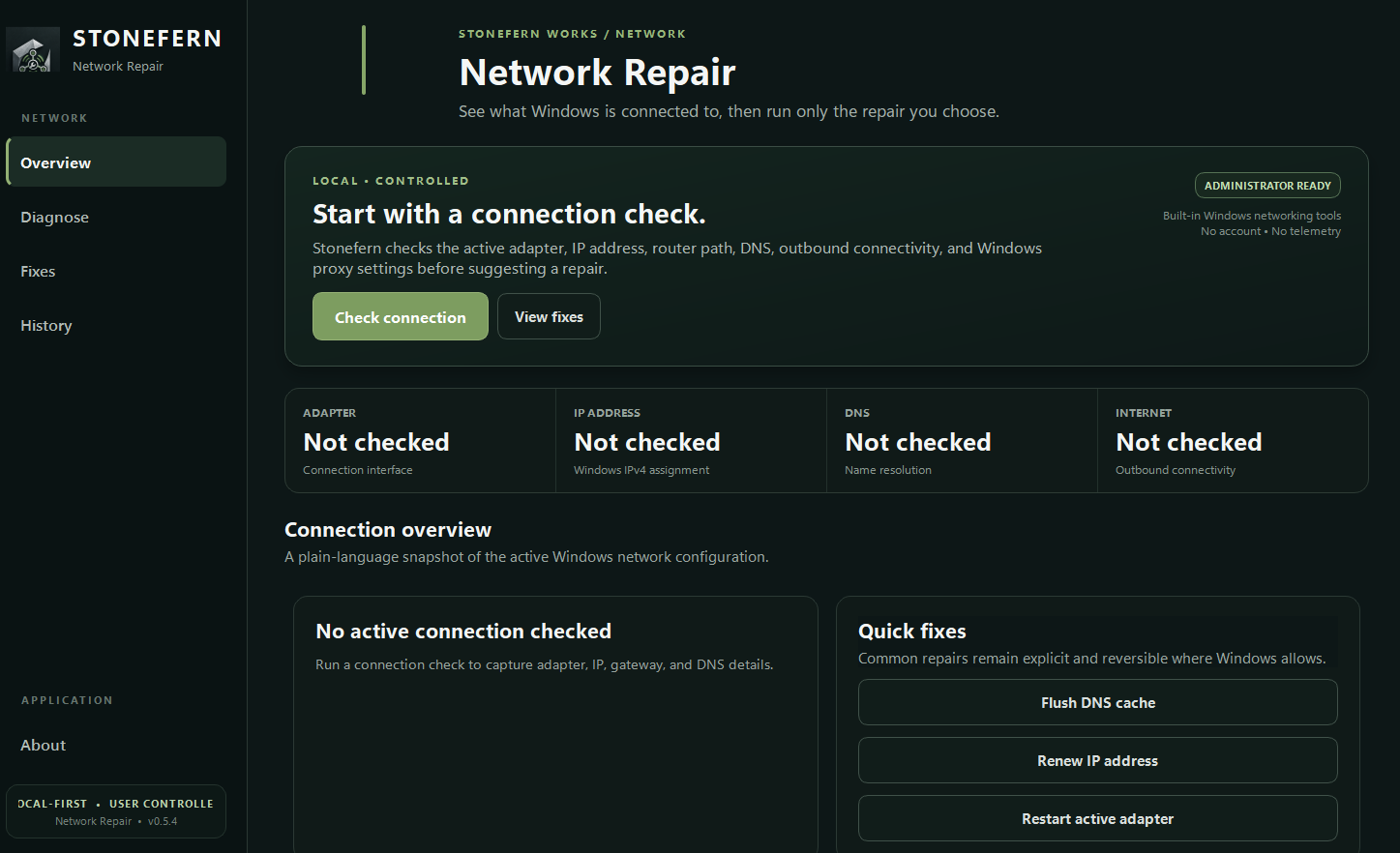
Stonefern Network Repair application interface showing connection diagnostics and quick fixes
Actual Stonefern Network Repair interface · v0.5.4 Available
Repairs can interrupt connectivity: adapter restarts, DHCP renewals, Winsock/TCP-IP resets, and related actions can temporarily disconnect active sessions or require a restart. Every repair requires explicit approval.
NETWORK REPAIR

Test the connection first. Repair only what you choose.

Network Repair separates diagnosis from repair. It checks the active adapter, IP configuration, gateway, DNS, outbound connectivity, and proxy state before presenting focused actions for common Windows networking problems.

Connection checkInspect adapter, IPv4, gateway, DNS, outbound reachability, and proxy state.
Conservative actionsFlush DNS, renew DHCP/IP, restart the adapter, or reset Windows networking only when approved.
Visible progressLong-running diagnostics, repairs, update checks, and downloads keep a persistent progress indicator visible.
Signed updatesPublic installers use the configured Authenticode workflow plus SHA-256 and Stonefern Ed25519 update verification.

WHAT IT DOES

Focused features, clearly labeled.

  • Check adapter status, link speed, IPv4, gateway, DNS, and proxy state
  • Test gateway, DNS resolution, and basic outbound connectivity
  • Flush DNS or renew DHCP/IP configuration
  • Restart the active network adapter when you approve it
  • Reset Winsock or the TCP/IP stack with clear warnings
  • Show visible progress and use signed update verification
LEGAL & PRIVACY

Review the product-specific behavior before installing.

The Stonefern Works EULA and Privacy Policy apply alongside the product notice for Network Repair.