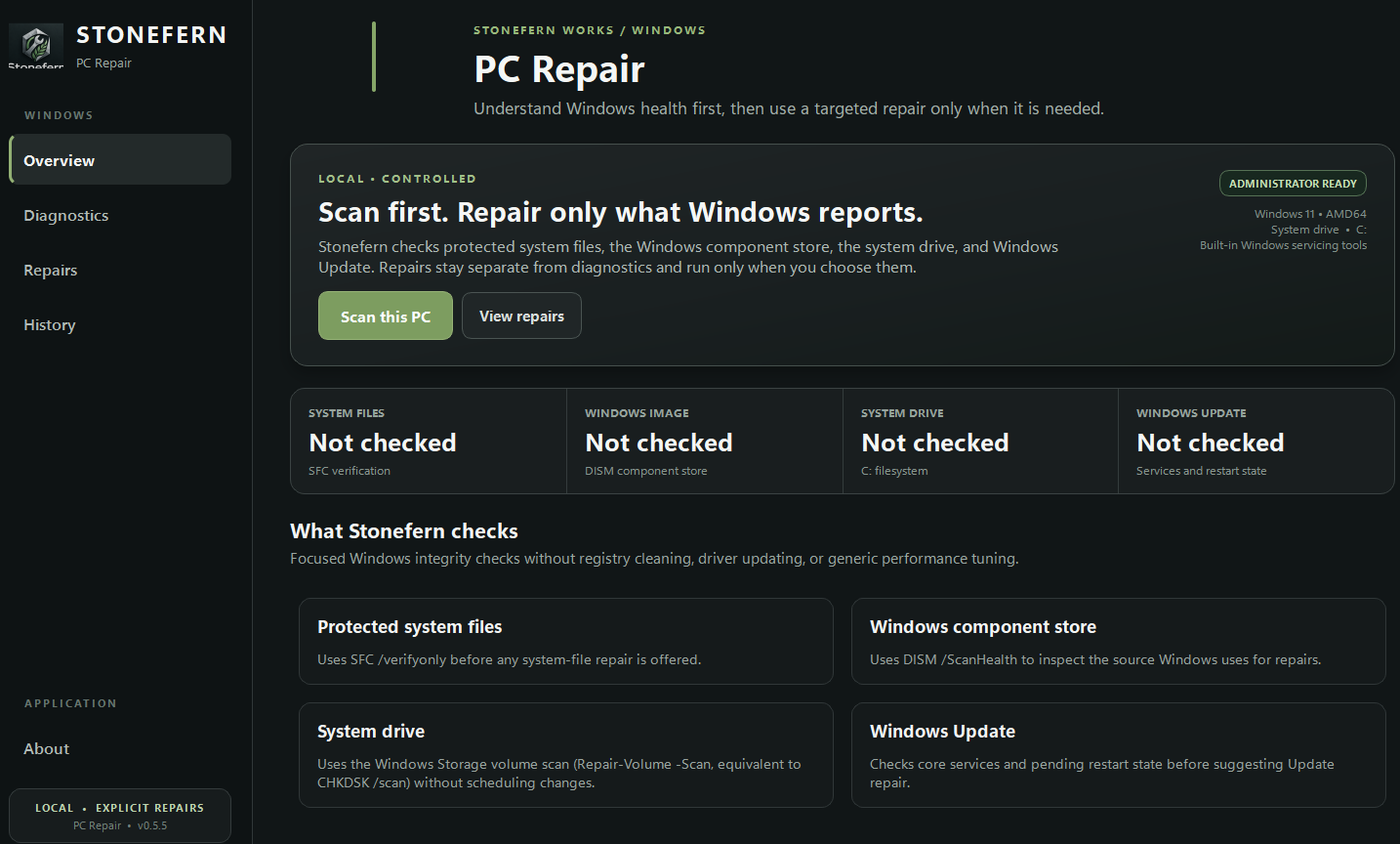
PC REPAIRScan first. Approve only the repair you want.
PC Repair puts familiar Windows servicing and storage tools behind a guided interface. It avoids vague “speed boost” claims and instead shows the diagnostic result, the supported repair, its progress, and any elevation or restart requirement.
Windows health scanCheck protected system files, component-store health, system drive status, and Windows Update state.
Guided servicingUse DISM/SFC, Windows Update service repair, advanced cache reset, or scheduled drive repair when appropriate.
Safe controlsPause, resume, or cancel at safe checkpoints without force-killing an in-flight Windows servicing command.
Local historyRepair history and reports stay local unless you export or share them, while signed update checks use the Stonefern release service.